Unbox ASMR Controls & Menus
Every tap, swipe, and setting in Blind Bag: Unbox ASMR Game.
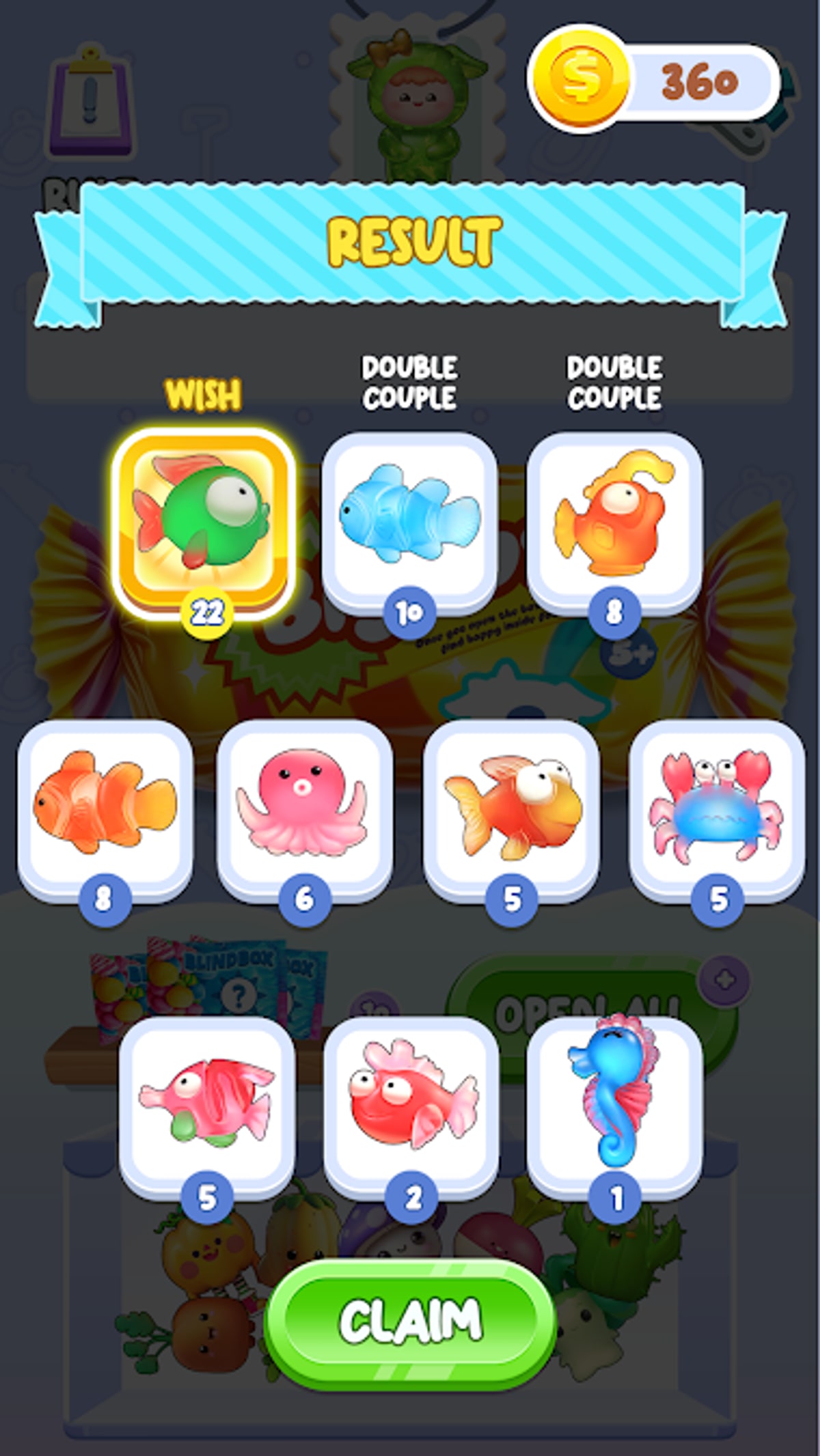
Unbox ASMR keeps controls minimal so you can focus on sound and surprise. Still, CAT Studio hides useful options behind small icons, and Android gesture navigation can accidentally swipe you out mid-unbox. This reference documents every interaction in Blind Bag: Unbox ASMR Game (spranky.blindbag.lucky) as of client v0.0.11, with notes for phones without hardware back buttons.
Main menu
| Action | Input |
|---|---|
| Start unboxing | Tap primary play button |
| Choose bag/box type | Tap container icons along the carousel |
| Adjust batch count | Tap plus/minus or drag quantity slider |
| Open album | Tap gallery or collection icon |
| Settings | Tap gear icon, usually top corner |
If buttons feel delayed, wait for ad SDK initialization — first launch after install is slowest. See Download and Install for clean APK tips.
During an unboxing animation
Most openings use a tap-to-continue rhythm:
- Tap to start tearing the wrapper.
- Tap or hold at highlighted moments for louder ASMR peaks.
- Tap to skip hold if you prefer faster reveals (when skip icon appears).
Some boxes use swipe-to-open instead of tap. Follow on-screen hand hints; fighting the gesture can soft-lock the animation until you restart the batch.
Volume is controlled by system media keys, not in-game sliders alone. Use headphones for crinkle detail described in our review.
Album and collection screens
- Tap a charm to view name, rarity tint, and duplicate count.
- Pinch or double-tap may zoom art on larger phones (behavior varies by device DPI).
- Back returns to menu — use Android gesture carefully so you do not exit the app.
Sync album progress mentally with the collection tracker and All Charms list. Silhouette slots show missing designs; tap them for hint text when available.
Settings menu
Typical toggles:
- Music / SFX / ASMR layers — disable music if you want pure crinkle audio.
- Vibration — short haptics on reveal; turn off for bedtime sessions.
- Language — menu text language; charm names may stay English.
- Privacy / ads — links to ad network policies on ad-supported builds.
There is no rebindable control scheme; the game assumes touch only. Controllers and keyboards are unsupported on Android.
Ads and back-button behavior
Rewarded video prompts use Watch and Close buttons. Pressing Android back during a full-screen ad sometimes returns to menu instead of the ad — if economy counters look wrong, relaunch.
Our How to Play guide explains when ads appear between batches. Codes clarifies that promo codes are not a menu option — ignore fake “redeem” overlays from modded APKs.
Accessibility tips
- Enable extra large text in Android settings if batch numbers are hard to read.
- Mono audio helps if you use a single earbud while commuting.
- Color-blind players should rely on charm silhouettes and names, not only rarity glow colors — cross-check tier list descriptions.
Troubleshooting
| Problem | Fix |
|---|---|
| Taps ignored mid-animation | Wait for prompt icon; do not spam tap |
| Stuck on black screen | Force-close app, reopen from TapTap build |
| Album not updating | Relaunch after batch completes |
| Game closes on gesture back | Use on-screen back arrow when visible |
Persistent issues after Google Play delisting usually mean a corrupted sideload. Reinstall from TapTap following our download guide.
Related pages
- Getting Started for first-hour flow
- How to Play for loop strategy
- Complete Collection once controls feel natural
Once menus become muscle memory, you can unbox purely by sound — the way ASMR blind bag streams feel on camera.
One-handed and bedtime play
Many Unbox ASMR sessions happen one-handed on the couch or in bed where ASMR volume matters more than speed. Hold the phone in portrait, use your thumb on tap prompts, and disable system gesture navigation temporarily if Android keeps sending you home during swipe-to-open boxes. Lower screen brightness extends late-night collection hunts without washing out charm reveal colors. If you mirror the screen to a TV for family viewing, expect slight audio delay — headphones on the phone still deliver the sharpest crinkle detail described throughout this controls reference.
Frequently Asked Questions
Quick answers to the most common questions.
Does Unbox ASMR support controller input?
No. The game is touch-only on Android phones and tablets.
Can I skip unboxing animations?
Some builds show a skip icon after the first tear. Tap it to speed up repeats.
Where is the redeem code button?
There is none. CAT Studio has not shipped official promo codes for this title.
Why do taps lag on my phone?
Low RAM, background apps, or ad SDK load can delay input. Close other apps and retry.
How do I change ASMR volume separately?
Use the in-game SFX or ASMR sliders plus your device media volume together.