Unbox ASMR Troubleshooting
Practical fixes for APK installs, audio, album progress, and ads after the Google Play delisting.
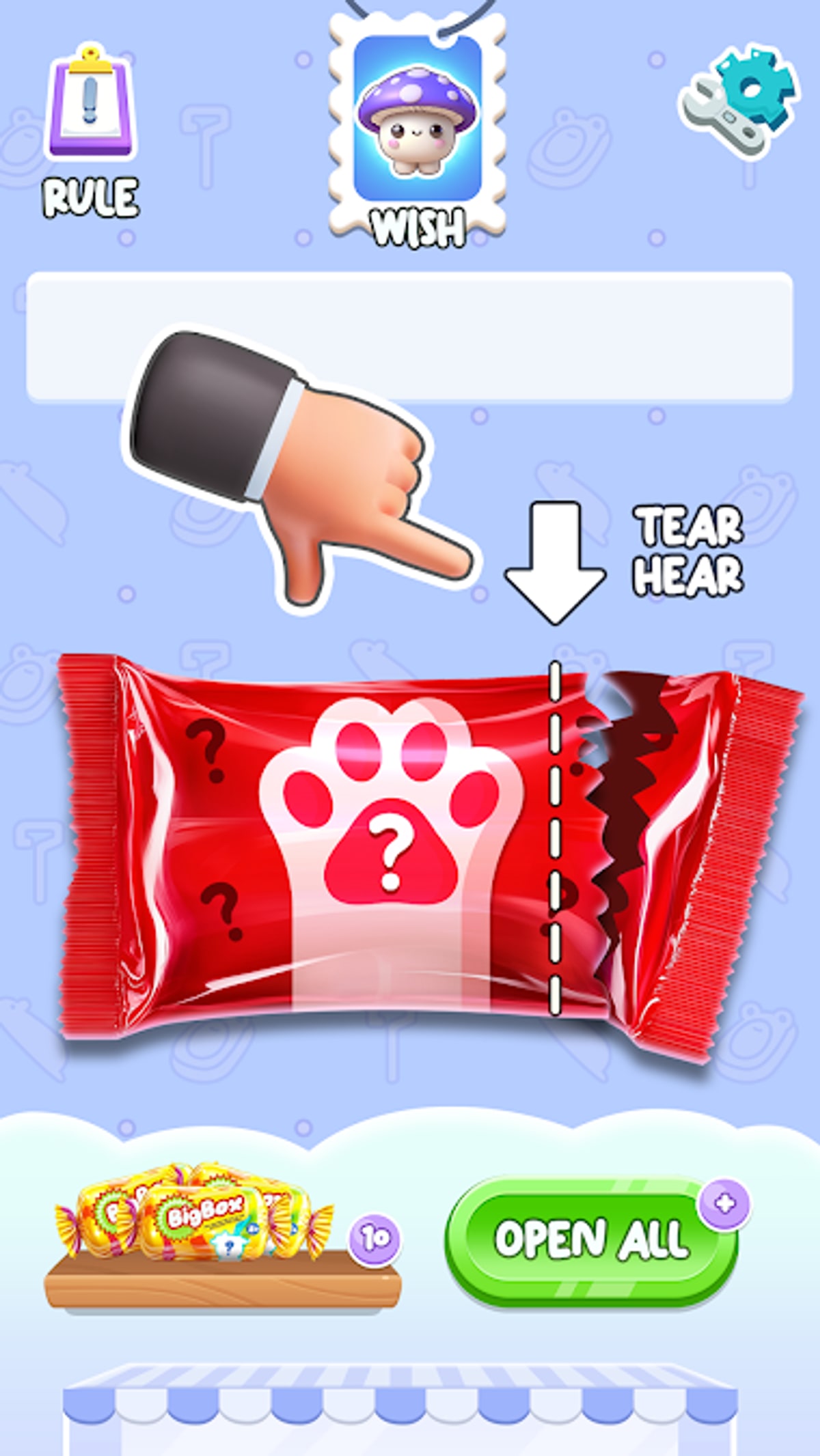
Most Blind Bag: Unbox ASMR Game problems trace back to sideload hygiene, cached ad SDKs, or low storage — not broken RNG. After Google Play delisting on February 16, 2026, many players install through TapTap for the first time and hit unfamiliar Android prompts. This troubleshooting guide covers the issues we see most often on v0.0.11 (spranky.blindbag.lucky) and points you to deeper walkthroughs when a fix needs a full reinstall.
Before you reinstall
Try these quick checks first:
- Confirm the installed package is
spranky.blindbag.luckyand developer is CAT Studio. - Compare your version in Settings → Apps with v0.0.11 on Updates.
- Free at least 500 MB storage for ASMR asset cache.
- Restart the phone after first install — ad SDKs often lag on cold boot.
If the wrong game icon appears, read Lucky Blind Bag vs Unbox ASMR before wiping data.
Install and APK failures
“App not installed” after TapTap download: Usually signature conflict from an old sideload. Uninstall every app named similarly, reboot, then install once from Download and Install. Do not stack APKs from random blogs.
Parse error / corrupt package: Re-download on stable Wi‑Fi. TapTap occasionally serves partial files when connections drop.
Play Protect warnings: Expected for titles no longer on Google Play. Verify checksum against TapTap comments, not scare pages demanding paid “fixes.”
Stuck on loading screen: Clear app cache, disable battery optimization for Unbox ASMR, retry on Wi‑Fi. If it persists past five minutes, reinstall from TapTap only.
No ASMR audio or muted tears
Unbox ASMR is an audio-first experience. When tears sound flat:
- Turn off Bluetooth first — some codecs delay crinkle peaks.
- Raise media volume, not just ringer.
- Check in-game settings for SFX toggles documented in Controls.
- Disable “mono audio” accessibility settings temporarily.
- Reinstall if you migrated from an ancient Play build with mismatched asset bundles.
Headphones reveal details phone speakers hide; this is normal, not a defect.
Album desync and missing charms
The album should update after each new pull. When slots stay empty despite animations:
- Force-close and reopen before assuming a lost pull.
- Screenshot the reveal — duplicates still increment stack counters even if UI hiccups.
- Cross-check names on All Charms and mark the collection tracker.
- Avoid clearing app data unless you accept losing local progress — cloud backup is not documented for Unbox ASMR. Read Save Data & Backup before reinstalling.
Persistent desync after v0.0.11 reinstalls may indicate a corrupted mirror; see Google Play removal notes for mirror verification steps.
Ads freeze or endless loops
Free builds show rewarded or interstitial ads between batches. When ads hang:
- Finish or close the ad panel — do not spam back button during SDK handoff.
- Toggle airplane mode off/on if the ad network stalls (common on hotel Wi‑Fi).
- Play shorter batches to reduce ad frequency during How to Play sessions.
There is no official ad-free code — see Codes for legitimate expectations.
Duplicate-only sessions
Pulling ten duplicates in a row feels broken but matches a chance-only design. Unbox ASMR documents no pity timers. If frustration spikes:
- Stop for the day — variance evens out over hundreds of opens, not ten.
- Read Get Rare Charms for pacing habits, not guaranteed tricks.
- Compare target charms on Rarest Charms so you know whether you chased a community-tier myth.
Storage and performance
Mirror listings cite ~70–90 MB APK sizes depending on source; cached ASMR assets grow over time. On 32 GB phones:
- Clear other apps before marathon Complete Collection nights.
- Lower screen brightness — thermal throttling stutters tear animations before RNG changes.
- Close background recorders; they compete with microphone-adjacent audio pipelines on some OEM skins.
When to escalate
Reinstall from TapTap when:
- Audio remains silent after settings checks.
- Album counts regress after updates.
- New installs crash before the main menu.
Report mirror issues on TapTap threads with version screenshots — CAT Studio may not monitor this fan wiki directly, but Official Links explains where community signal helps.
Related guides
- Download and Install — clean sideload path
- Controls — hidden toggles
- Google Play Removal — why mirrors matter
- Review — known ad and IAP quirks
Most sessions fail from environment issues, not missing charms. Fix the install once, protect storage, and the blind bag loop returns to relaxing ASMR instead of fighting your phone.
Frequently Asked Questions
Quick answers to the most common questions.
Why won't Unbox ASMR install from TapTap?
Conflicting APK signatures or low storage are the usual causes. Uninstall old copies, reboot, and reinstall from our download guide.
I lost album progress after reinstalling — can I recover it?
Assume progress is local-only. Screenshot your album before reinstalling unless CAT Studio adds cloud backup.
Is silent unboxing a known bug?
Check media volume, Bluetooth, and in-game SFX settings first. Reinstall if audio stays missing on v0.0.11.
Are duplicate streaks a sign of a broken account?
No. The game is entirely chance-based; cold streaks happen without pity timers.
Should I download fixes from random APK sites?
No. Use TapTap listing 33780798 only, as linked from our official links hub.